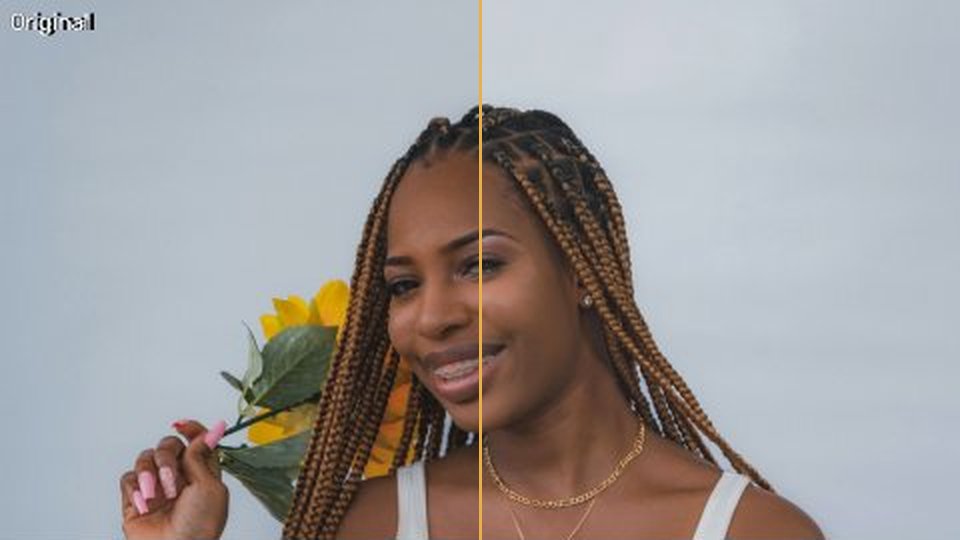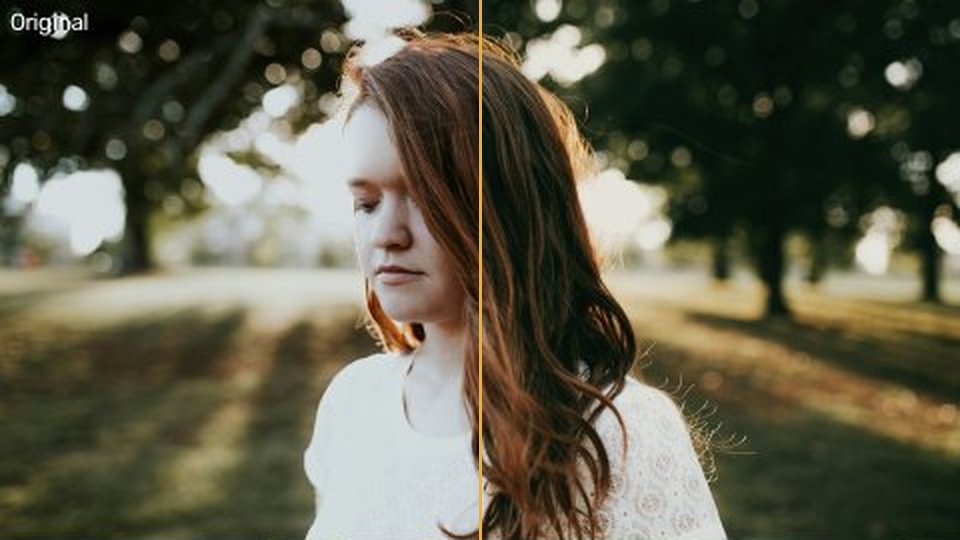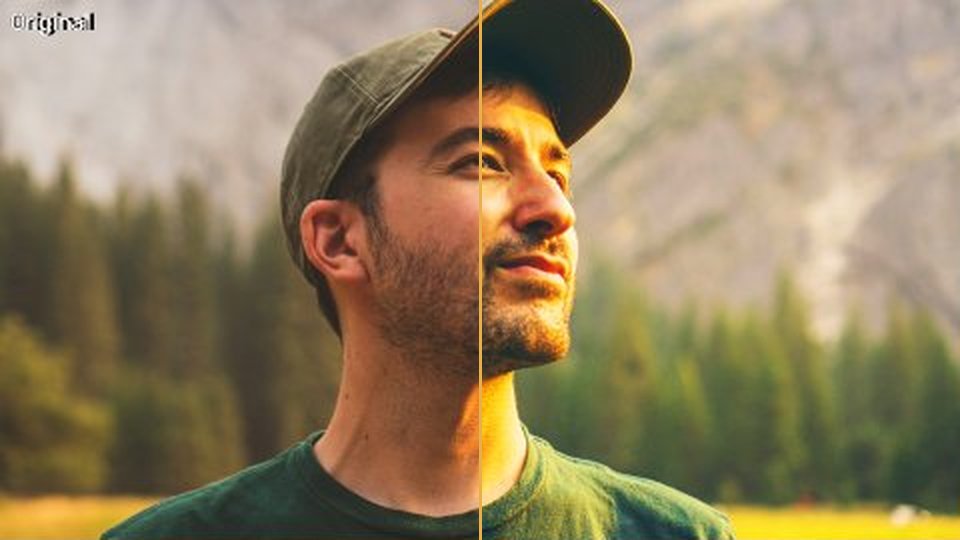
Look-uri puternice pentru momente mari.
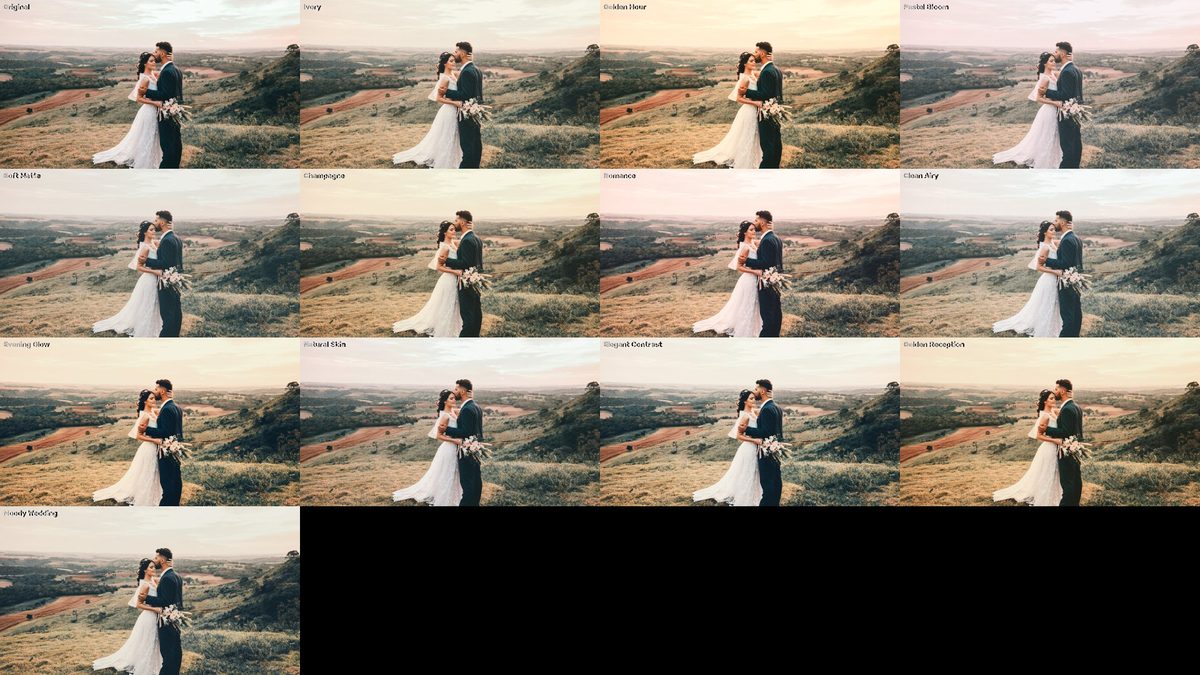 v1
v1Fotografie de previzualizare: Camila Cordeiro pe Unsplash — fiecare look aplicat 100%.
CE ESTE
Lumină blândă, piele adevărată.
12 LUT-uri creative, blânde cu pielea, pentru nunți: ivory, golden hour, pastel, champagne, moody.
- 14 fișiere · 4,3 MB de descărcat
- Fără cont, fără email — doar descarci.
CUM SE FOLOSEȘTE · DIN FIȘIERUL README DIN ARHIVĂ
Instrucțiunile din arhivă sunt în engleză, ca meniurile din Premiere, Resolve și Final Cut.
What's inside
Creative LUTs (.cube, 33-point). License: CC0 — free for any use, see LICENSE.txt.
Important
These are CREATIVE LUTs for Rec.709 footage.
Apply them AFTER your footage is converted/corrected to Rec.709.
Shooting Log (V-Log, S-Log3, C-Log, D-Log...)? First apply your camera's official Log-to-Rec.709 LUT, then one of these on top.
Premiere Pro
Lumetri Color → Creative → Look → Browse… → pick a .cube file.
Use "Intensity" to dial it in (most looks are best at 60–90%).
Tip: put Lumetri on an Adjustment Layer to grade the whole timeline at once.
DaVinci Resolve
Project Settings → Color Management → Lookup Tables → Open LUT Folder, copy the .cube files there, click "Update Lists". Then in the Color page: right-click a node → LUT → pick the look. Use Key Output Gain to reduce strength.
Final Cut Pro
Effects → Color → Custom LUT → Choose Custom LUT… → pick a .cube file.
Expose and white-balance first: LUTs look as good as the footage under them.
EXPLOREAZĂ MAI DEPARTE