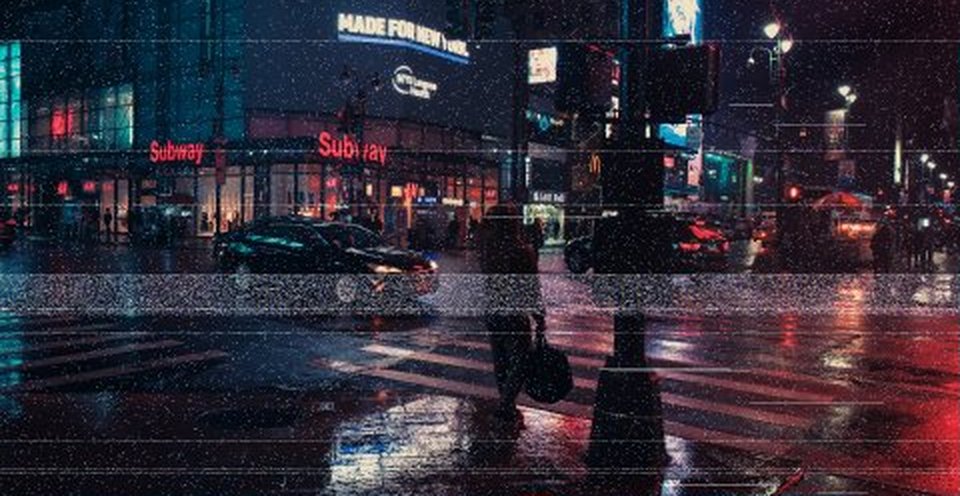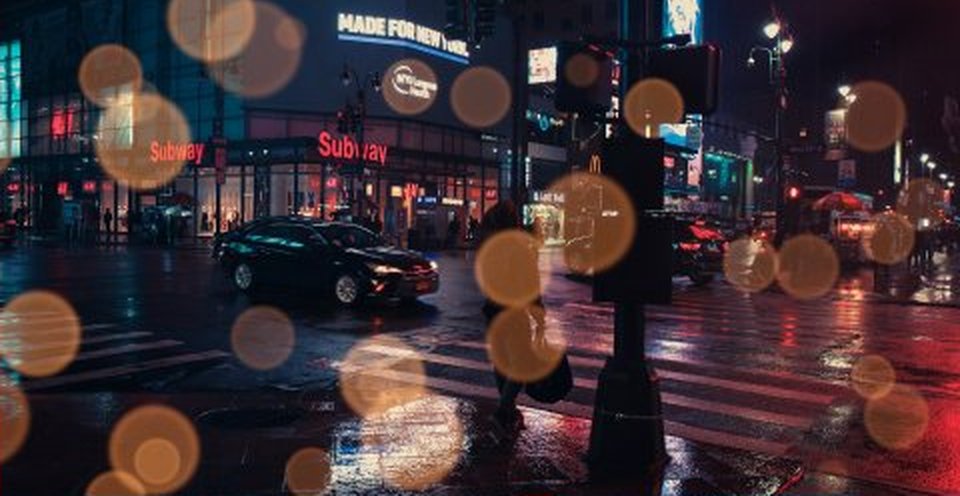
Perfect imperfect.
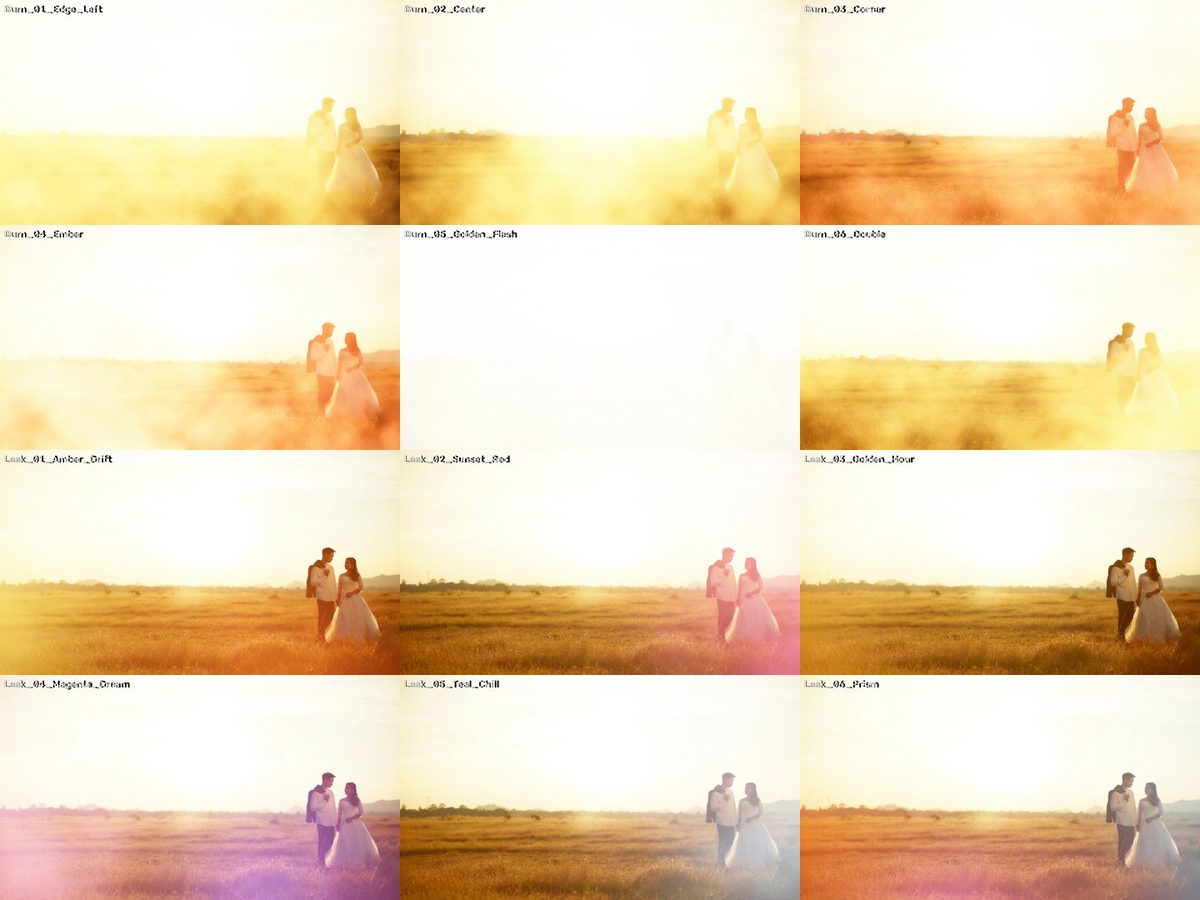 v1
v1Fotografie de previzualizare: Phakphoom Srinorajan pe Unsplash.
CE ESTE
Lumină caldă care trece prin cadru.
8 light leaks organice și 6 tranziții film burn, 4K pe negru.
- 17 fișiere · 262,9 MB de descărcat
- Fără cont, fără email — doar descarci.
CUM SE FOLOSEȘTE · DIN FIȘIERUL README DIN ARHIVĂ
Instrucțiunile din arhivă sunt în engleză, ca meniurile din Premiere, Resolve și Final Cut.
What's inside
Light_Leaks/ 8 organic light leaks, 8 s each (fade in / fade out built in)
Film_Burns/ 6 film burn transitions, 3 s each
All 4K (3840x2160), 24 fps, H.264, on pure black. License: CC0 — free for any use, see LICENSE.txt.
HOW TO USE (any editor)
1. Put the clip on the track ABOVE your footage.
2. Set the blend mode to SCREEN (or Add / Linear Dodge for a hotter look).
3. Adjust opacity, speed, or flip/rotate it so the light comes from the side you want.
HD or vertical (9:16) timeline? Just scale the 4K clip — light is soft, it stays clean.
Film burn as a transition
Each burn covers the frame fully at its middle (1.5 s). Place the burn so its middle sits exactly on the cut between your two clips — the cut hides inside the flash.
Premiere Pro
Effect Controls → Opacity → Blend Mode → Screen.
DaVinci Resolve
Inspector → Composite → Composite Mode → Screen.
Final Cut Pro
Inspector → Compositing → Blend Mode → Screen.
EXPLOREAZĂ MAI DEPARTE