
Perfect imperfect.
 v1
v1Fotografie de previzualizare: Jeffrey Keenan pe Unsplash.
CE ESTE
Mai mult grain, mai mult caracter.
Grain curat și subtil, mono fin, mono grosier și Super 8 grosier, în 4K și HD.
- 10 fișiere · 417,3 MB de descărcat
- Fără cont, fără email — doar descarci.
CUM SE FOLOSEȘTE · DIN FIȘIERUL README DIN ARHIVĂ
Instrucțiunile din arhivă sunt în engleză, ca meniurile din Premiere, Resolve și Final Cut.
What's inside
Film grain overlays on 50% gray, in 4K (3840x2160) and HD (1920x1080), 10 s, 24 fps, H.264.
File names say the type (35mm fine, 16mm, 8mm, Super 8 coarse, mono, subtle…).
License: CC0 — free for any use, see LICENSE.txt.
HOW TO USE (any editor)
1. Put the grain clip on the track ABOVE your footage, stretch/loop it to the length you need.
2. Set the blend mode to OVERLAY (stronger) or SOFT LIGHT (gentler).
3. Lower the opacity to taste — 20–50% is a good start for 35mm, more for 8mm.
Use the 4K file on 4K timelines and the HD file on HD timelines, so the grain size stays right.
For vertical (9:16) timelines: scale the 4K file to fill, the grain still looks natural.
Premiere Pro
Effect Controls → Opacity → Blend Mode → Overlay.
DaVinci Resolve
Inspector → Composite → Composite Mode → Overlay.
Final Cut Pro
Inspector → Compositing → Blend Mode → Overlay.
EXPLOREAZĂ MAI DEPARTE
Mai multe pentru următoarea poveste.

Lumină caldă care trece prin cadru.
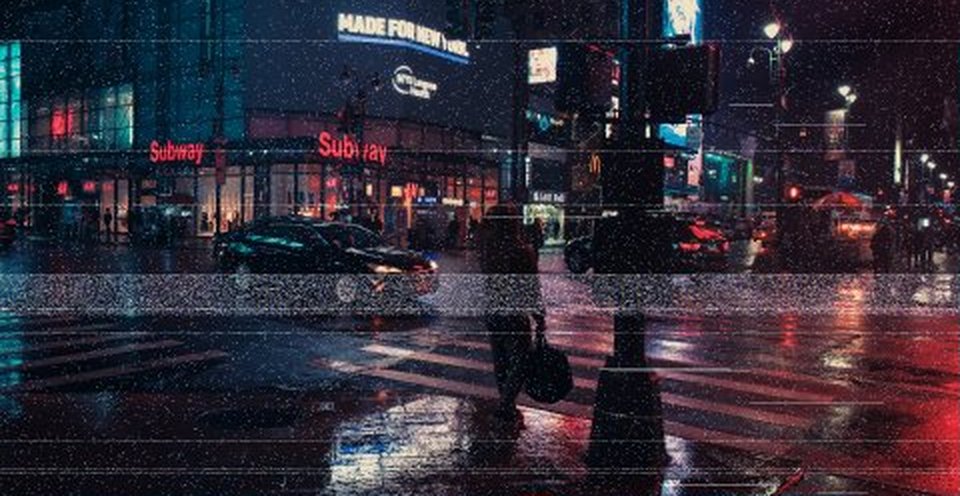
Bandă, scanlines și glitch-uri.