
Perfect imperfect.
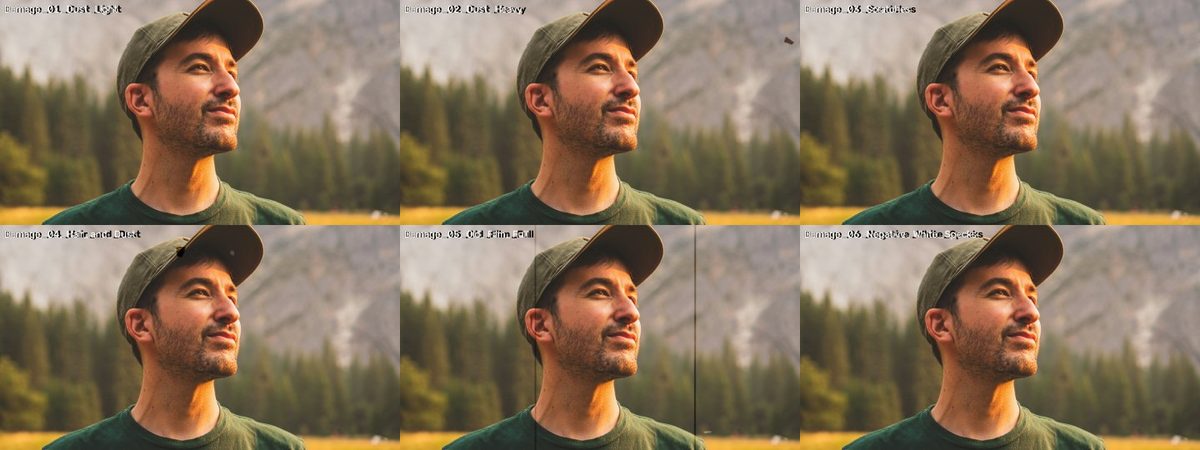 v1
v1Fotografie de previzualizare: Jeffrey Keenan pe Unsplash.
CE ESTE
De la abia vizibil la rolă veche.
Overlay-uri cu praf, fire de păr, zgârieturi și flicker — de la abia vizibil la rolă veche.
- 8 fișiere · 1,4 MB de descărcat
- Fără cont, fără email — doar descarci.
CUM SE FOLOSEȘTE · DIN FIȘIERUL README DIN ARHIVĂ
Instrucțiunile din arhivă sunt în engleză, ca meniurile din Premiere, Resolve și Final Cut.
What's inside
6 overlays: Dust Light, Dust Heavy, Scratches, Hair & Dust, Old Film Full (with flicker),
Negative White Specks. 4K (3840x2160), 24 fps, 10 s, on 50% gray. License: CC0 — free for any use.
How to use
1. Put the clip on the track ABOVE your footage (above your grain, if you use one).
2. Blend mode: OVERLAY (or Hard Light for a stronger look). Gray disappears, the damage stays.
3. Lower opacity to taste. Need it longer? Duplicate it, or flip a copy horizontally for variety.
Pairs well with the DAEDAL Film Grain Pack and the projector loop from the SFX pack.
Premiere Pro
Effect Controls → Opacity → Blend Mode → Overlay.
DaVinci Resolve
Inspector → Composite → Composite Mode → Overlay.
Final Cut Pro
Inspector → Compositing → Blend Mode → Overlay.
EXPLOREAZĂ MAI DEPARTE
Mai multe pentru următoarea poveste.
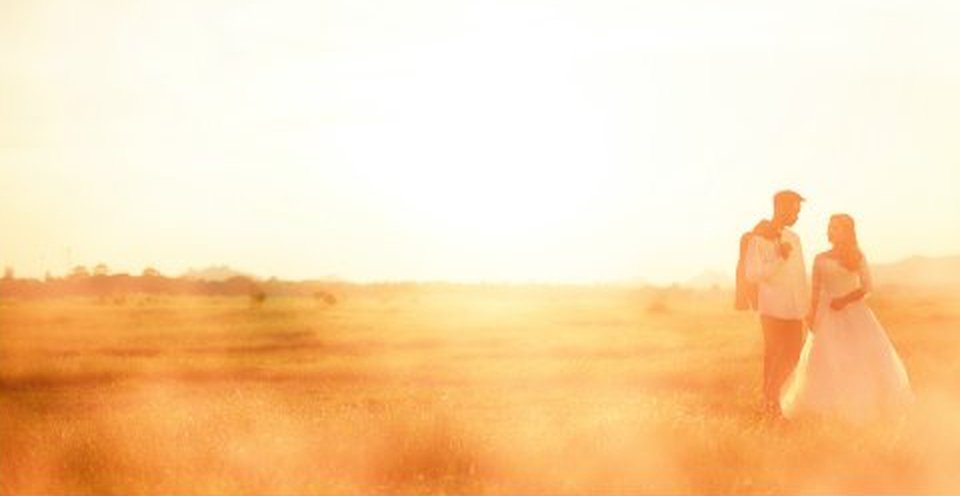
Lumină caldă care trece prin cadru.
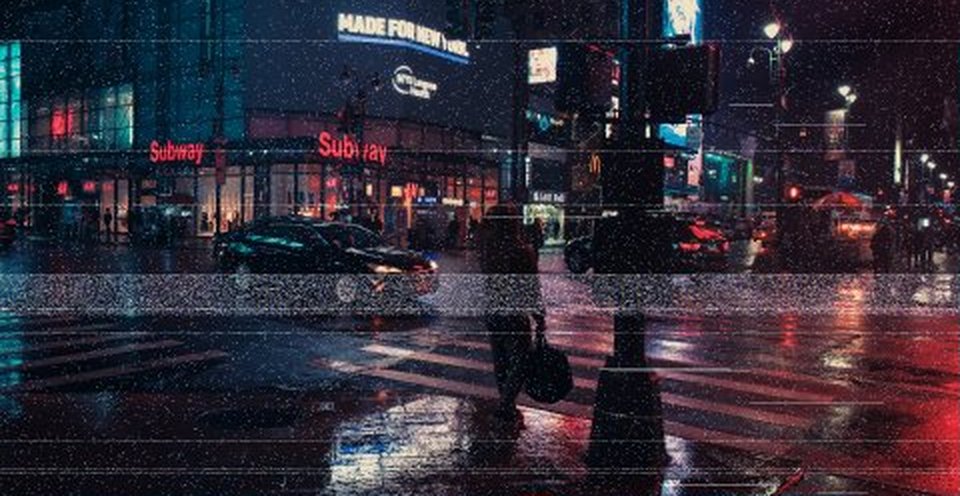
Bandă, scanlines și glitch-uri.