
Perfectly imperfect.
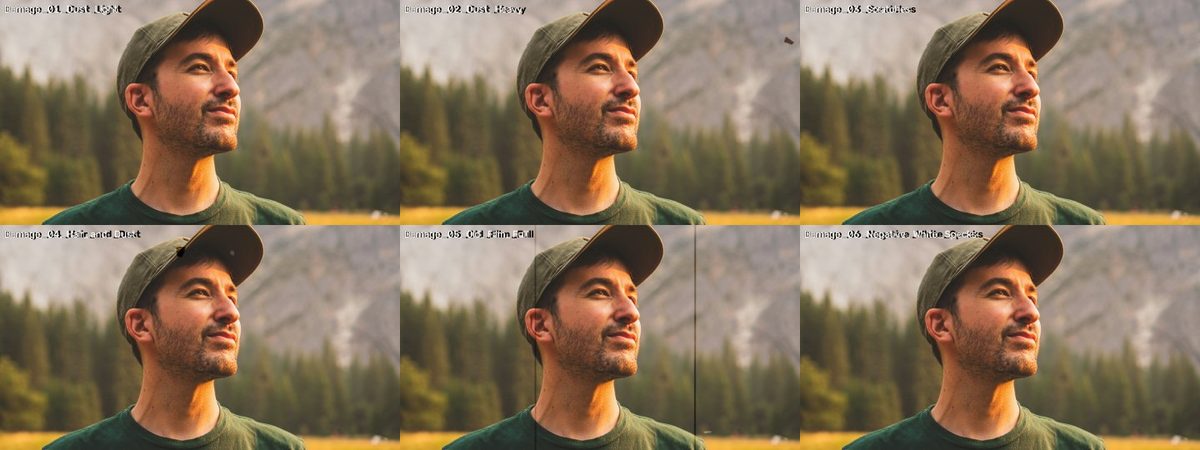 v1
v1Preview photo: Jeffrey Keenan on Unsplash.
WHAT IT IS
From barely there to old reel.
Dust, hair, scratches and flicker overlays — from barely there to old reel.
- 8 files · 1.4 MB download
- No account, no email — just download.
HOW TO USE · FROM THE README INSIDE THE DOWNLOAD
What's inside
6 overlays: Dust Light, Dust Heavy, Scratches, Hair & Dust, Old Film Full (with flicker),
Negative White Specks. 4K (3840x2160), 24 fps, 10 s, on 50% gray. License: CC0 — free for any use.
How to use
1. Put the clip on the track ABOVE your footage (above your grain, if you use one).
2. Blend mode: OVERLAY (or Hard Light for a stronger look). Gray disappears, the damage stays.
3. Lower opacity to taste. Need it longer? Duplicate it, or flip a copy horizontally for variety.
Pairs well with the DAEDAL Film Grain Pack and the projector loop from the SFX pack.
Premiere Pro
Effect Controls → Opacity → Blend Mode → Overlay.
DaVinci Resolve
Inspector → Composite → Composite Mode → Overlay.
Final Cut Pro
Inspector → Compositing → Blend Mode → Overlay.
KEEP EXPLORING
More for your next story.
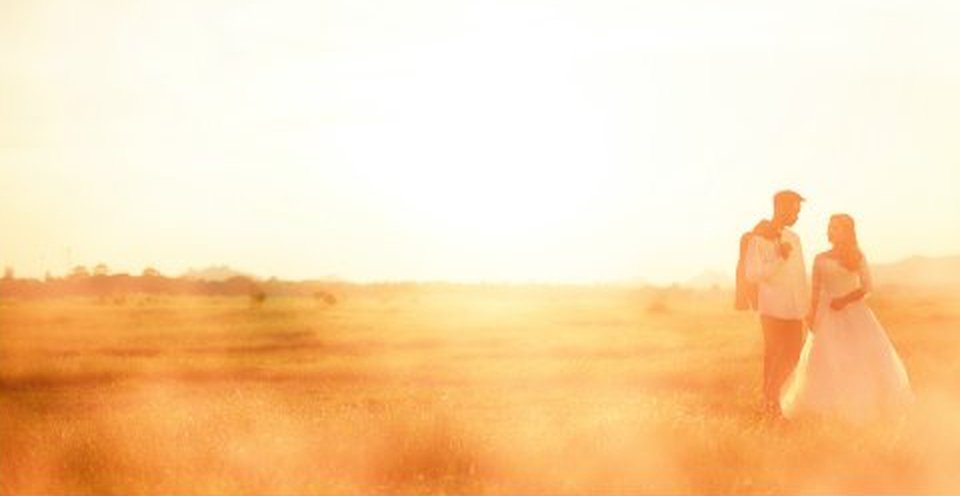
Warm light that drifts across the frame.
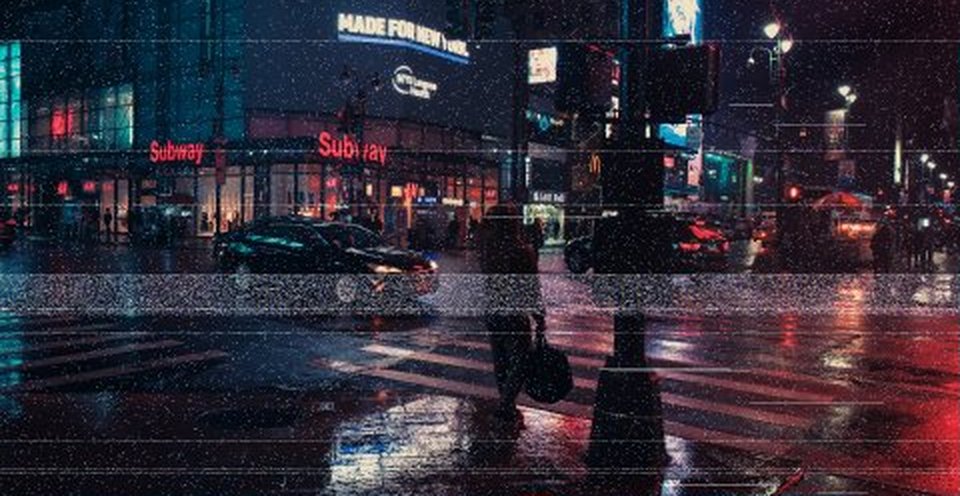
Tape, scanlines and glitches.