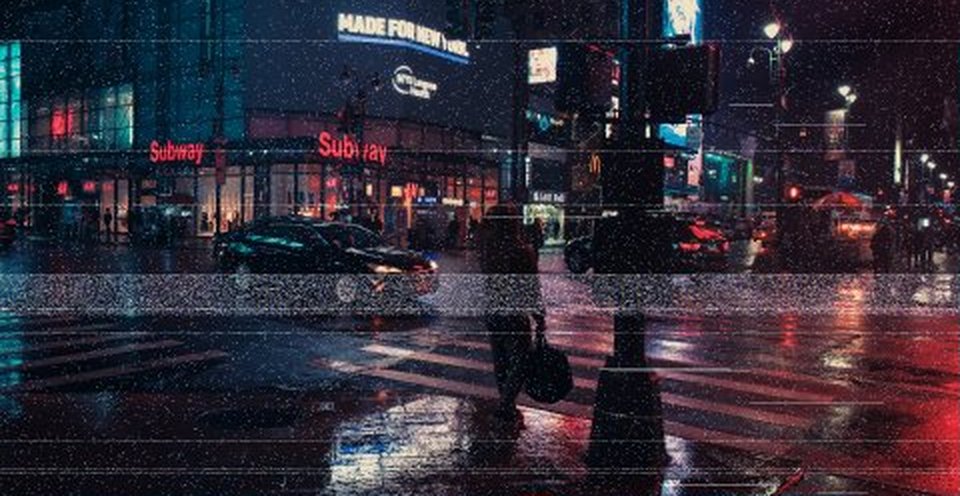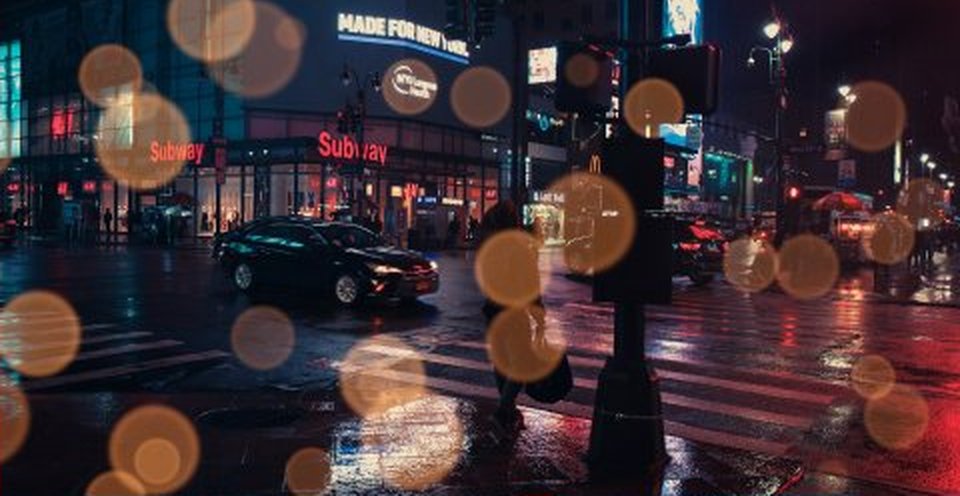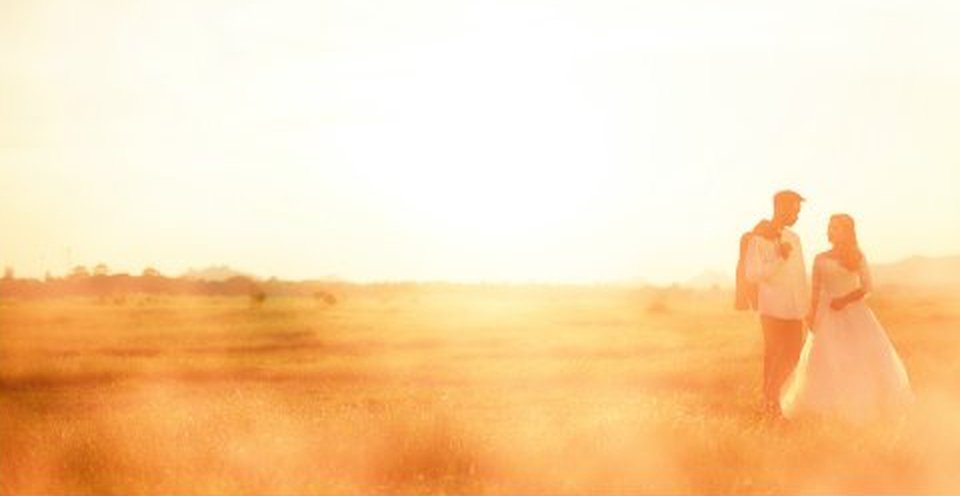
Warm light that drifts across the frame.
 v1
v1Preview photo: Brooke Cagle on Unsplash.
WHAT IT IS
Perfectly imperfect.
35mm fine, 35mm color, 16mm and 8mm grain overlays in 4K and HD. Subtle by default.
- 11 files · 506.6 MB download
- No account, no email — just download.
HOW TO USE · FROM THE README INSIDE THE DOWNLOAD
What's inside
Film grain overlays on 50% gray, in 4K (3840x2160) and HD (1920x1080), 10 s, 24 fps, H.264.
File names say the type (35mm fine, 16mm, 8mm, Super 8 coarse, mono, subtle…).
License: CC0 — free for any use, see LICENSE.txt.
HOW TO USE (any editor)
1. Put the grain clip on the track ABOVE your footage, stretch/loop it to the length you need.
2. Set the blend mode to OVERLAY (stronger) or SOFT LIGHT (gentler).
3. Lower the opacity to taste — 20–50% is a good start for 35mm, more for 8mm.
Use the 4K file on 4K timelines and the HD file on HD timelines, so the grain size stays right.
For vertical (9:16) timelines: scale the 4K file to fill, the grain still looks natural.
Premiere Pro
Effect Controls → Opacity → Blend Mode → Overlay.
DaVinci Resolve
Inspector → Composite → Composite Mode → Overlay.
Final Cut Pro
Inspector → Compositing → Blend Mode → Overlay.
KEEP EXPLORING