
Perfectly imperfect.
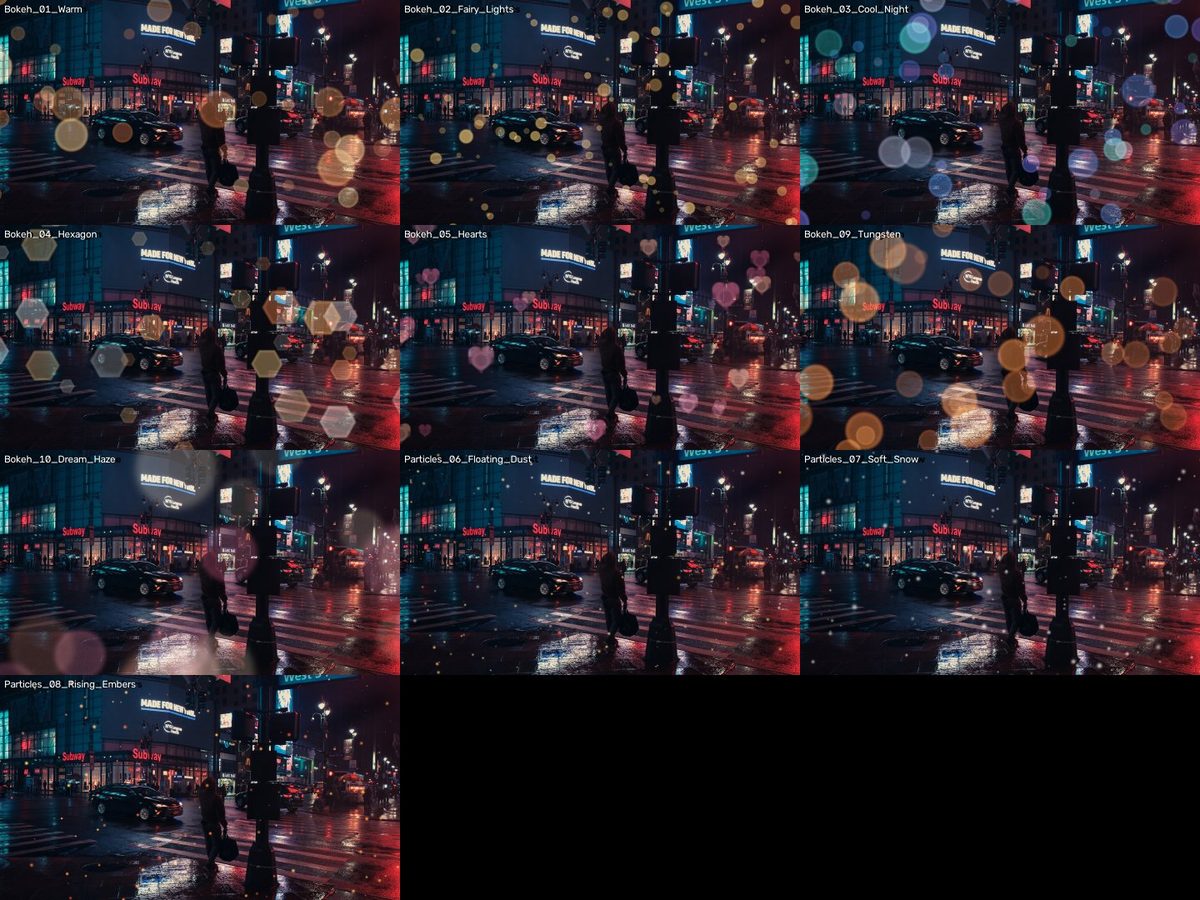 v1
v1Preview photo: Luca Bravo on Unsplash.
WHAT IT IS
Out-of-focus magic, looping forever.
Warm, fairy-light, night, hexagon, heart, tungsten and dream-haze bokeh, plus dust, snow and embers. Seamless loops.
- 12 files · 35.5 MB download
- No account, no email — just download.
HOW TO USE · FROM THE README INSIDE THE DOWNLOAD
What's inside
Bokeh: Warm, Fairy Lights, Cool Night, Hexagon, Hearts, Tungsten, Dream Haze (12 s loops)
Particles: Floating Dust, Soft Snow, Rising Embers (10 s loops)
4K (3840x2160), 24 fps, on pure black. Every clip is a SEAMLESS LOOP: place copies back to back for any length. License: CC0 — free for any use.
How to use
1. Put the clip on the track ABOVE your footage.
2. Blend mode: SCREEN (or Add / Linear Dodge for brighter lights).
3. Adjust opacity; add a little blur or scale it up for a dreamier, closer look.
Vertical video? Scale the 4K clip to fill the 9:16 frame.
Premiere Pro
Effect Controls → Opacity → Blend Mode → Screen.
DaVinci Resolve
Inspector → Composite → Composite Mode → Screen.
Final Cut Pro
Inspector → Compositing → Blend Mode → Screen.
KEEP EXPLORING
More for your next story.
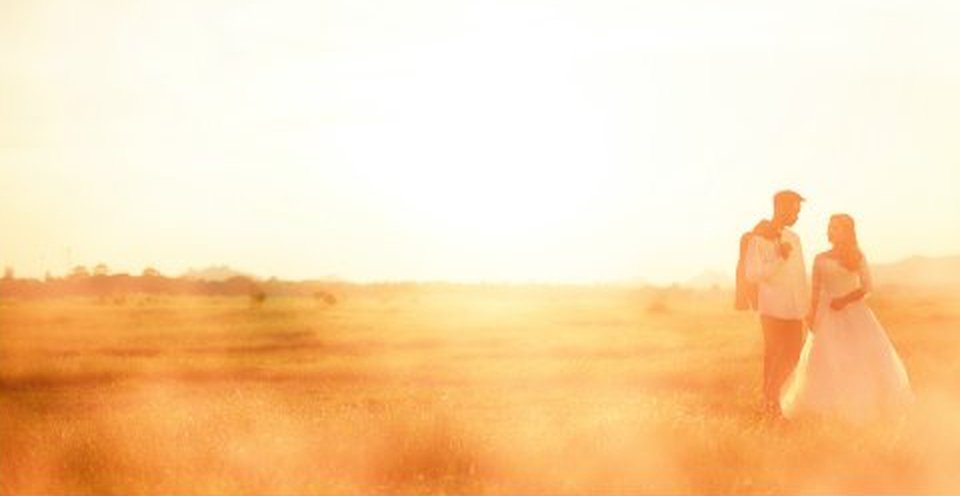
Warm light that drifts across the frame.
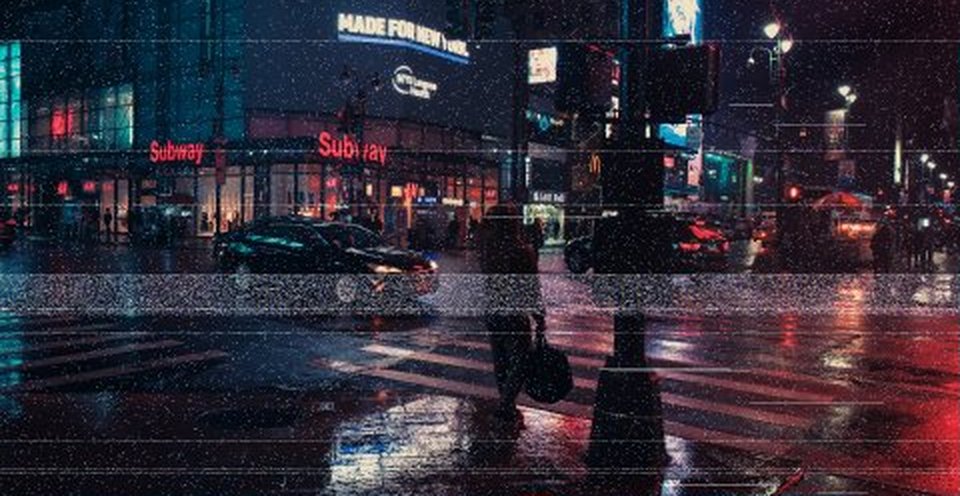
Tape, scanlines and glitches.