
Perfect imperfect.
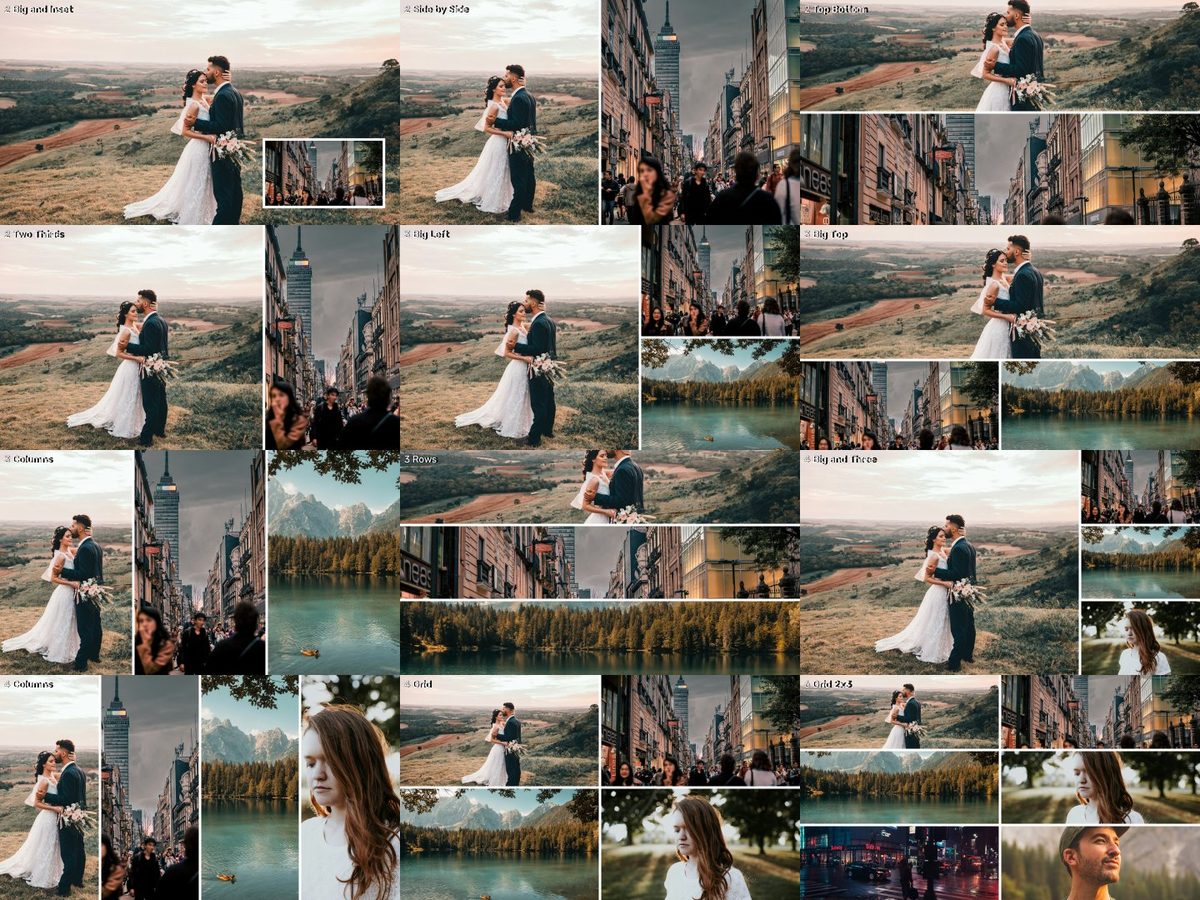 v1
v1Fotografie de previzualizare: Camila Cordeiro, Jezael Melgoza, Claudia Chiavazza, Brooke Cagle, Luca Bravo, Jeffrey Keenan pe Unsplash.
CE ESTE
De la două la șase povești, într-un cadru.
13 layout-uri pentru 2–6 surse (16:9 și vertical): rame plus track mattes, cu colțuri drepte sau rotunjite.
- 244 fișiere · 0,6 MB de descărcat
- Fără cont, fără email — doar descarci.
CUM SE FOLOSEȘTE · DIN FIȘIERUL README DIN ARHIVĂ
Instrucțiunile din arhivă sunt în engleză, ca meniurile din Premiere, Resolve și Final Cut.
What's inside
13 layouts for 2, 3, 4 and 6 sources on 16:9 (3840x2160) and 10 on vertical (1080x1920).
Each layout folder has:
Frame_*.png → the dividers/border (Sharp or Rounded, White or Black), transparent cells.
Matte_N_*.png → one white cell per source, for Track Matte Key.
License: CC0 — free for any use.
HOW TO USE (Premiere Pro, no plugins)
1. Put each source on its own track (source 1 on V1, source 2 on V3, source 3 on V5 …).
2. Put Matte_N.png on the track directly ABOVE its source (V2 above V1, V4 above V3 …).
3. Select the source clip → Effects → Keying → Track Matte Key → Matte: the matte's track, Composite using: Matte Luma. The matte itself is hidden automatically.
4. Move/scale each source inside its cell (Effect Controls → Motion).
5. Put Frame_*.png on the very top track for clean dividers.
DaVinci Resolve: use the mattes with Fusion or "Add Alpha Output"; Final Cut: use them with the Image Mask effect.
EXPLOREAZĂ MAI DEPARTE
Mai multe pentru următoarea poveste.
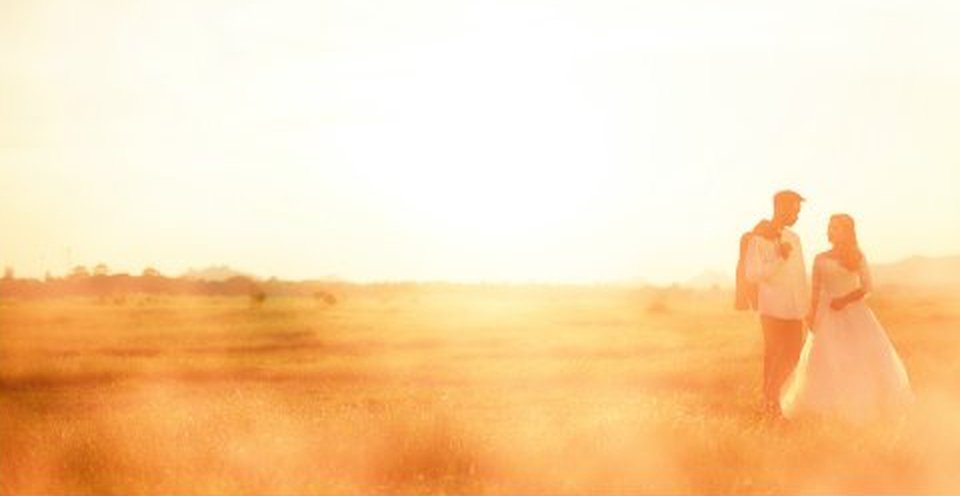
Lumină caldă care trece prin cadru.
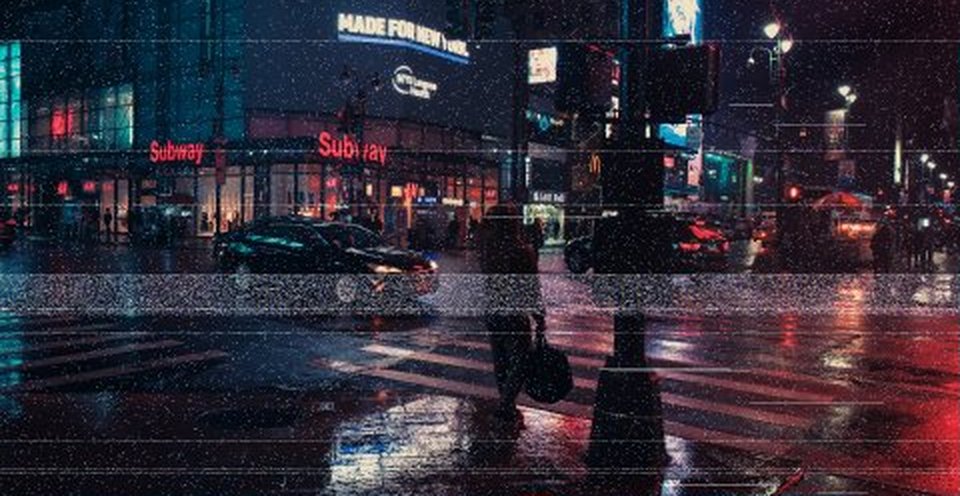
Bandă, scanlines și glitch-uri.