
Perfectly imperfect.
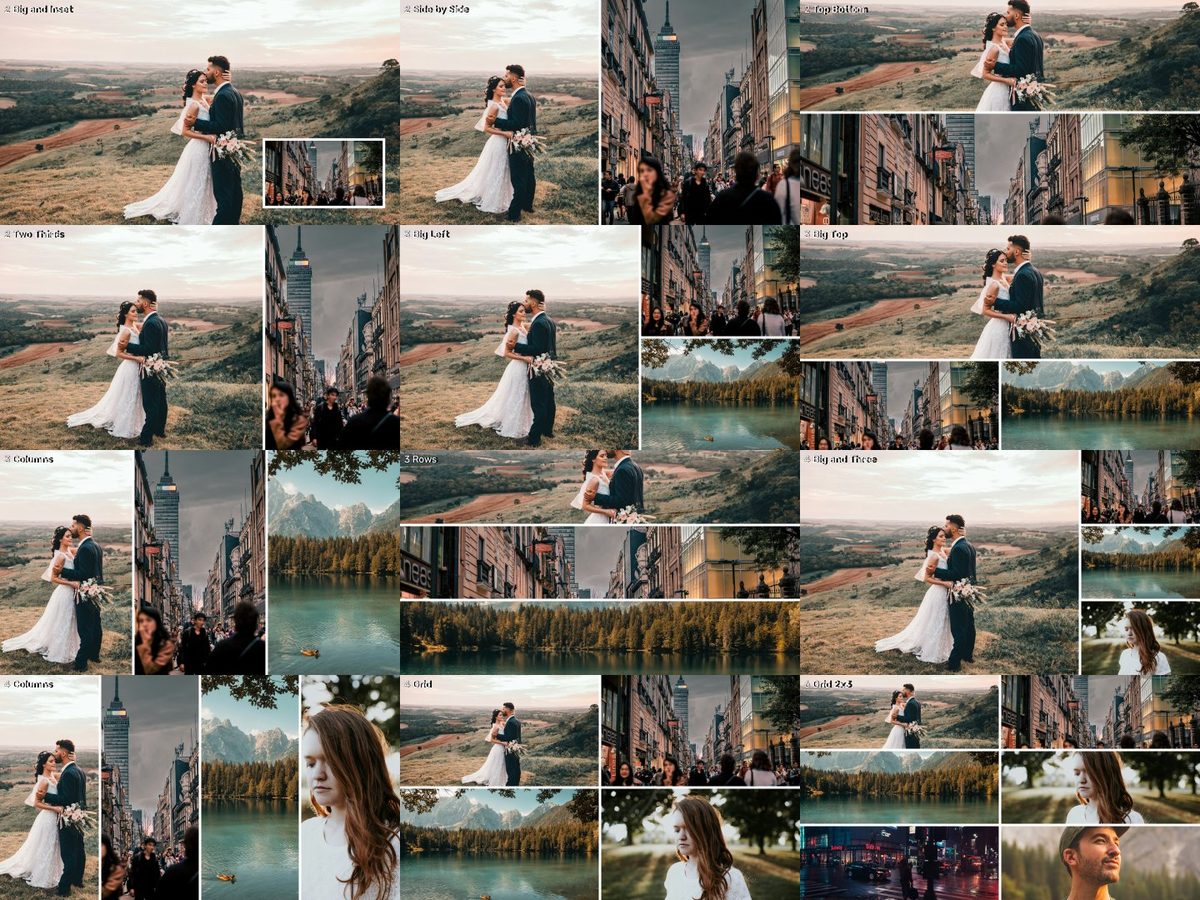 v1
v1Preview photo: Camila Cordeiro, Jezael Melgoza, Claudia Chiavazza, Brooke Cagle, Luca Bravo, Jeffrey Keenan on Unsplash.
WHAT IT IS
Two to six stories, one frame.
13 layouts for 2–6 sources (16:9 and vertical): frames plus track mattes, sharp or rounded.
- 244 files · 0.6 MB download
- No account, no email — just download.
HOW TO USE · FROM THE README INSIDE THE DOWNLOAD
What's inside
13 layouts for 2, 3, 4 and 6 sources on 16:9 (3840x2160) and 10 on vertical (1080x1920).
Each layout folder has:
Frame_*.png → the dividers/border (Sharp or Rounded, White or Black), transparent cells.
Matte_N_*.png → one white cell per source, for Track Matte Key.
License: CC0 — free for any use.
HOW TO USE (Premiere Pro, no plugins)
1. Put each source on its own track (source 1 on V1, source 2 on V3, source 3 on V5 …).
2. Put Matte_N.png on the track directly ABOVE its source (V2 above V1, V4 above V3 …).
3. Select the source clip → Effects → Keying → Track Matte Key → Matte: the matte's track, Composite using: Matte Luma. The matte itself is hidden automatically.
4. Move/scale each source inside its cell (Effect Controls → Motion).
5. Put Frame_*.png on the very top track for clean dividers.
DaVinci Resolve: use the mattes with Fusion or "Add Alpha Output"; Final Cut: use them with the Image Mask effect.
KEEP EXPLORING
More for your next story.
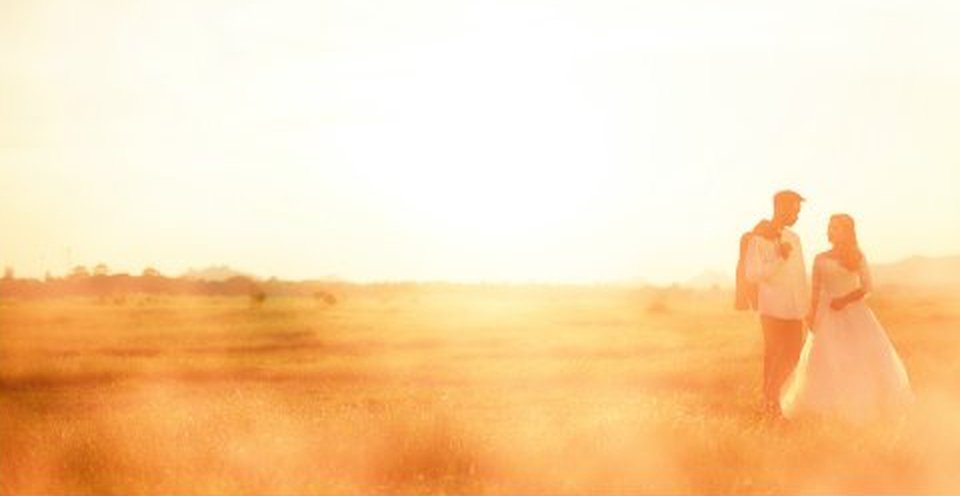
Warm light that drifts across the frame.
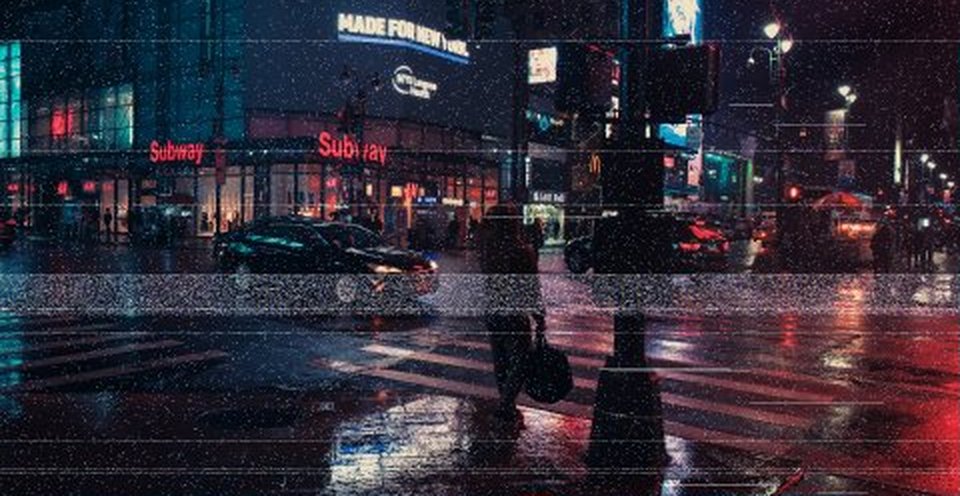
Tape, scanlines and glitches.