
Perfectly imperfect.
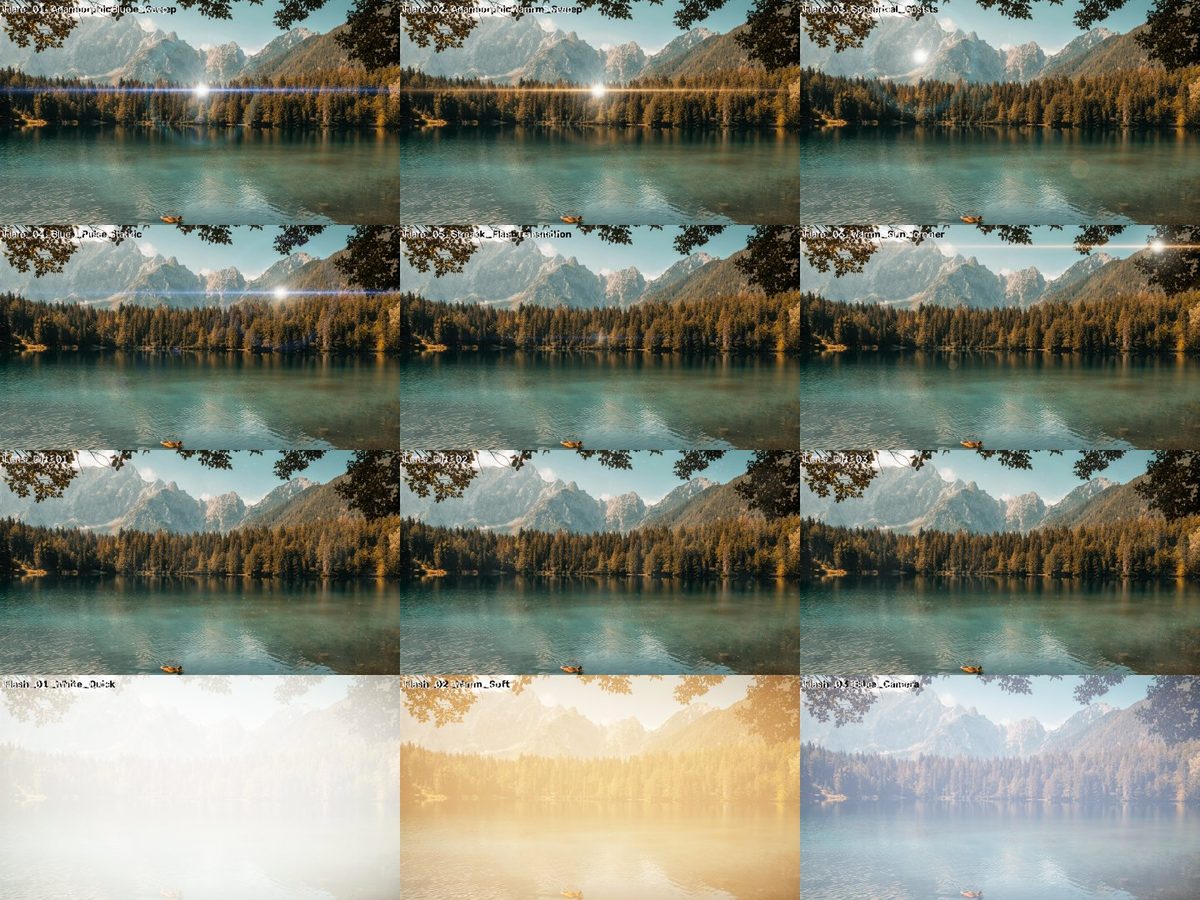 v1
v1Preview photo: Claudia Chiavazza on Unsplash.
WHAT IT IS
Light that hits the lens.
Anamorphic flares, streak flash transitions, camera flashes, strobe and lens dirt textures.
- 15 files · 29.0 MB download
- No account, no email — just download.
HOW TO USE · FROM THE README INSIDE THE DOWNLOAD
What's inside
Flares/ 6 animated flares: anamorphic blue & warm sweeps, spherical ghosts, blue pulse, streak flash transition, warm sun in the corner.
Light_FX/ quick white flash, soft warm flash, blue camera flash, controlled 3 Hz strobe.
Lens_Dirt/ 3 lens dirt textures (4K PNG).
All 4K (3840x2160), 24 fps, on pure black. License: CC0 — free for any use.
How to use
Flares & flashes: track ABOVE your footage, blend mode SCREEN (or Add). Move/scale/flip to place the light source.
Streak flash transition: put its brightest frame (the middle) exactly on your cut.
Lens dirt: put the PNG above a flare (or above bright footage), blend mode SCREEN, opacity 20–60%.
It only shows where there is light — just like real dirt on a lens.
STROBE WARNING: flashing light can trigger seizures in photosensitive viewers. Use with care and warn your audience.
KEEP EXPLORING
More for your next story.
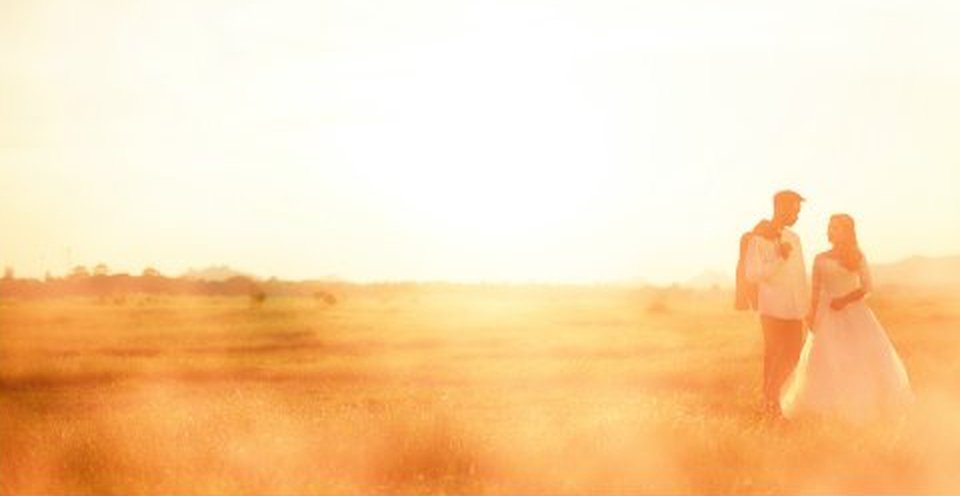
Warm light that drifts across the frame.
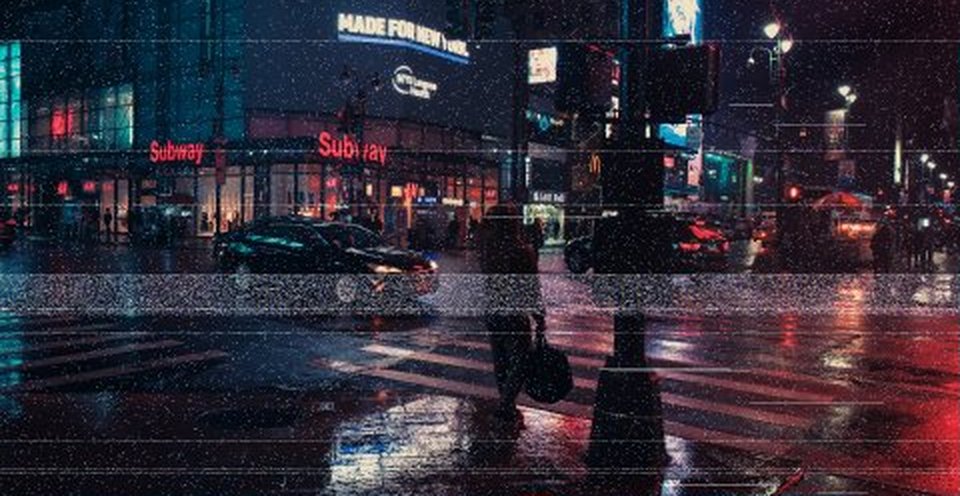
Tape, scanlines and glitches.